A meta description is about 160 characters that describe your website when people search in the search engine results pages (SERPs).
It is almost like a silent sales assistant who helps people choose your website over others.
When this short text is created properly, it can increase your click-through rate (CTR), but if you do it in a bad way, your website can be ignored completely. You must try not to make these mistakes so your webpages get the interest they are supposed to.
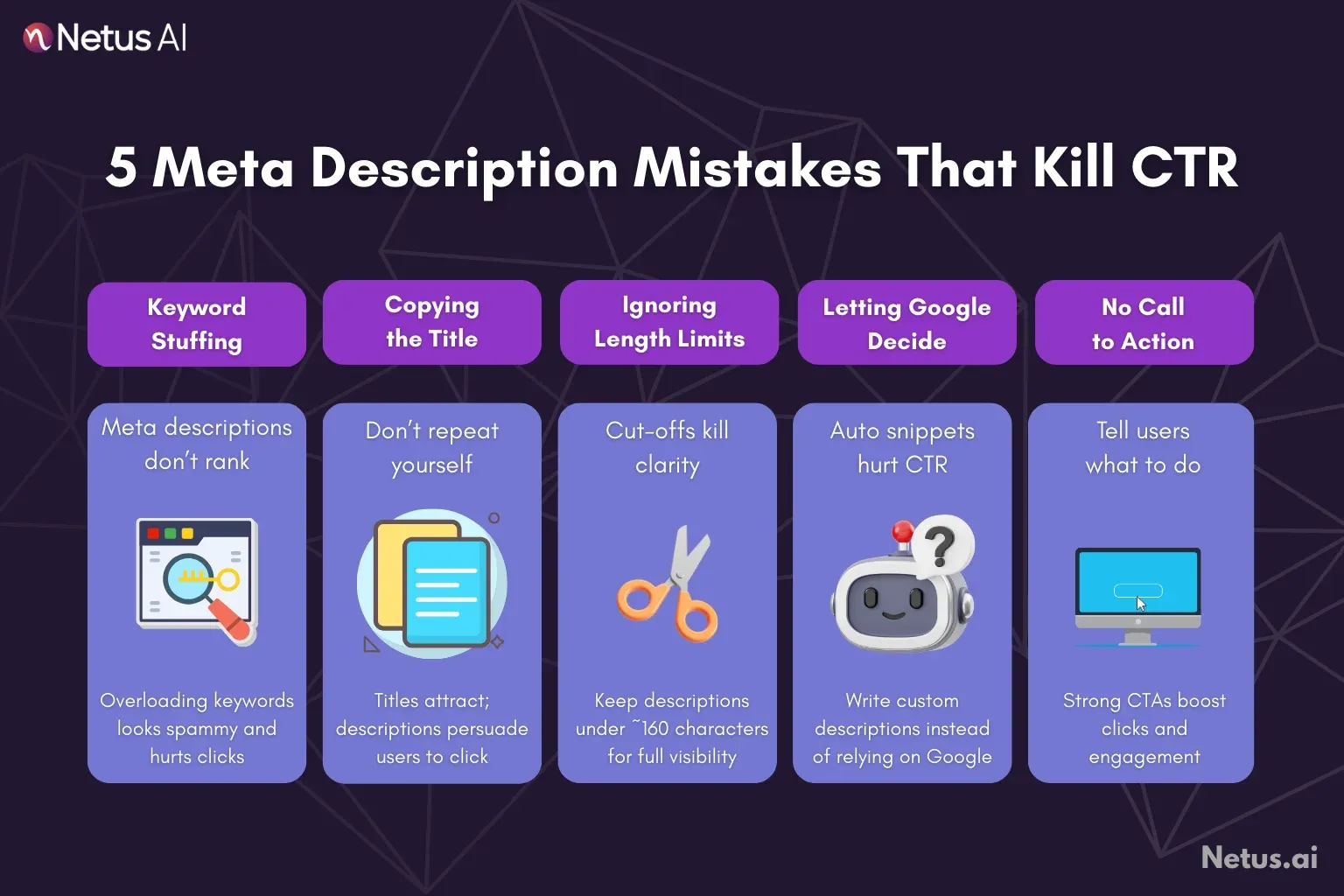
Mistake 1: Using keyword storage
What do people do?
Putting lots of keywords in the meta description just to try to rank higher in search results.
What really happens?
Google has not used the meta description to decide ranking for many years. The only point of a meta description is to get more people to click (CTR).
If the line is loaded up with keywords like "Buy cheap shoes, best footwear online, running shoes sale, sneakers store," users will just see spam and will not find it useful.
Google can easily recognize keyword ideas, and so can your audience, who will then ignore you.
What to do?
Write clearly and provide value to your reader. Use main keywords naturally in your sentences, but avoid overusing them.
If you are unable to make a summary that is about real benefits, then maybe your main text is not so good either. You may try using an SEO Article Generator to help you write interesting content before you write the meta description. Good main text gives a base for better meta description lines.
Mistake 2: Just copying the title tag
What do people do?
Putting the same words from the title tag inside the meta description.
What really happens?
That way is lazy and just double work. If people see two identical sentences, it wastes your spot in the SERPs and gives them nothing new to attract them.
Title tags should be short and about the keyword you want (example: "Best Running Shoes for Marathon Training"). Meta descriptions have to go further, giving reasons or instructions like, "Shop our 2026 top-rated marathon shoes. Free shipping and 30-day returns on all performance footwear."
What to do?
Make the description and title work together. The title should catch the eye, the description should make people want to click.
Mistake 3: Not respecting the character limit (the cut-off problem)
What do people do?
Writing a whole sentence that is longer than the normal display limit, perhaps about 155 to 160 characters including spaces, may result in a sentence being cut off or only partially shown when viewed in search results.
What really happens?
That ugly cutoff ("...") is not forced; it just looks as bad as missing your most important point or basically losing your instruction to click. Sometimes mobile allows some extra letters, but 155 is usually safe for the main idea to show on all platforms.
What to do?
Write only the main points and keep it short. If your first draft is too long, an AI summarizer can help shorten it. Put your main text into the tool, and it will reduce it to your desired length, keeping your message clear without losing essential information.
Mistake 4: Trusting Google to write a description
What do people do?
Not writing any meta description and hoping Google will just pick a good part is not a recommended strategy.
What really happens?
Google may take some text from somewhere off the page, but it can be random, not usually the best or what is wanted. Sometimes, the first line, some generic info, or words near a keyword are chosen.
These are rarely good for getting clicks. Even though Google sometimes swaps your meta description with another snippet it thinks is closer for particular searches, providing your own good version is needed for most, maybe 90 percent, of search requests.
What to do?
Always write your own description for each page and make sure it is optimized for its specific content. If you have a large website and many descriptions are repeated, Google may ignore all of them.
If you cannot make all of them different, use a paraphrase tool that creates new versions with similar topics for your pages, so you get plenty of strong,varied descriptions.
Mistake 5: No clear ask for action (no CTA)
What do people do?
Description only states what is on the page and does not ask or suggest that the user do anything afterward.
What really happens?
This meta description is then your last chance to make someone click. Text that just ends like, "...where you can read about X," is not enough. Strong descriptions give users something direct to do.
What to do?
Use action words. Try lines like "Shop Now," "Download the Full Guide," "Watch Our Tutorial," "Compare Plans," or "Get Your Free Quote." These push the user to do something and can actually improve your CTR significantly.
The NetusAI difference: your SEO content solution
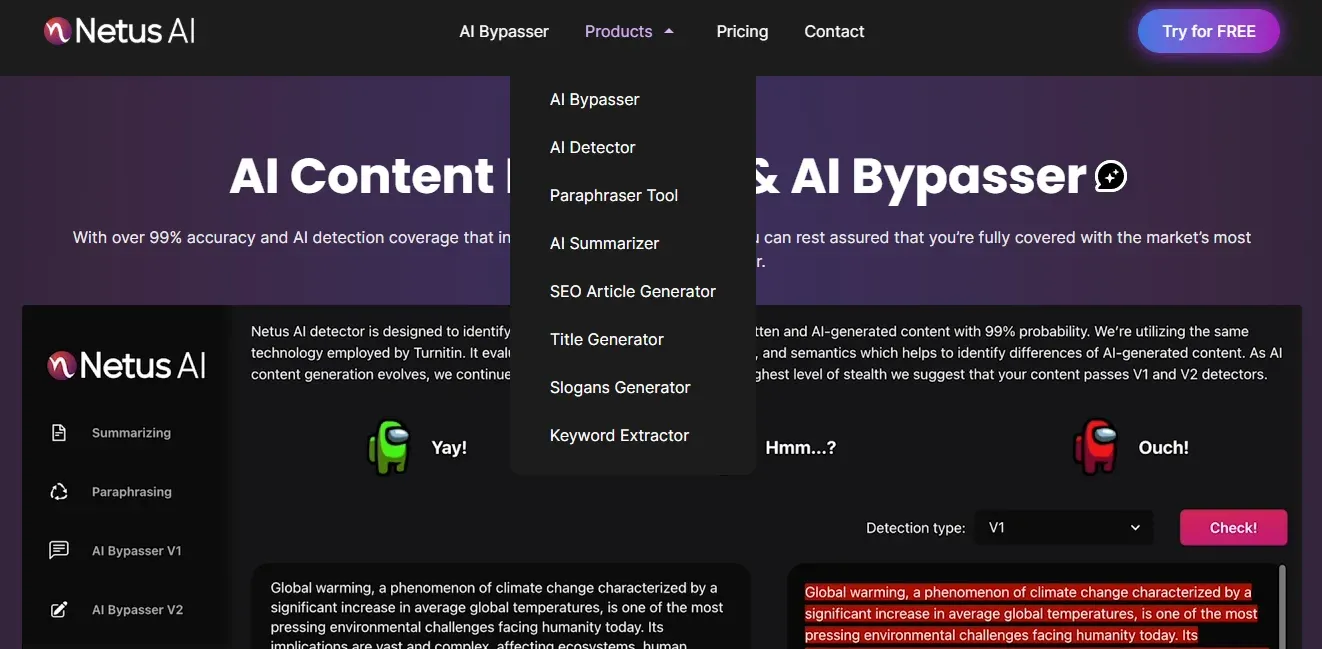
Effective meta descriptions need concentrated content. When the environment is moving dynamically with a lot of content going out, doing things manually becomes slow. NetusAI's writing tools are necessary for correcting content issues and improving SEO.
The AI Summarizer provides concise meta descriptions within a character limit. The Paraphrase Tool is helpful for generating varied descriptions for similar pages or when conducting A/B tests. The SEO Article Generator can produce main articles containing numerous keywords, which aids in crafting strong meta descriptions.
NetusAI automates boring SEO and writing jobs so you can focus more on performance goals. It turns all content, including articles and search blurbs, into a unique and quick-to-use form. You know, it really makes the process much easier.
Final thoughts
Although meta description does not provide direct advantages to ranking, it stands out as a strong indirect SEO method you can actually use. It is often a main part of CTR, which is one of the important signals Google uses when measuring how much users like your content and how good it is.
Do not just take it as an extra thing to check off your list or think it is some boring obligation. You should put in a little bit more time to make a meta description that gives some benefits, asks people to do something, and stays within the character rules. The jump that you will see in organic visitors is really going to repay those few minutes, you know.
FAQs
Is Google always displaying the meta descriptions that I create?
A lot of times, Google may rewrite or choose different parts of your page instead if it thinks this other bit connects more to what the user is looking for. In any case, making sure you give a strong and unique meta description is important because it will be your default, and in most searches, it is what gets shown. If you forget to add one, Google must choose on its own.
How long should meta descriptions ideally be?
The right length you should keep is mainly 155 to 160 characters, but sometimes this depends on whether a user is viewing your site on different device types (like a mobile, which may allow a slightly higher limit). If you use 155 characters for the description, the most important information and main actions are shown without much chance of getting cut off.
Should you put keywords in a meta description?
Yes, but you must make them fit in smoothly. It does not make your rank go up, but when a user's search matches the meta description, Google might highlight this text. It makes you stand out in search results and may help with CTR a lot.
Leaving the meta description empty or filling it full of keywords: which is better?
Not filling it at all is better than making it bloated with keywords. A meta description that is loaded with keywords seems scammy and will get fewer clicks. Leaving it empty lets Google pick a piece of your page for the description (not best), but it is still not as bad as a spammy one. Always push to make the meta description sound natural and well written.