If you don't consider how content is organized, you will miss out on a significant opportunity to enhance your AI search rankings and improve your visitor’s experience on your website.
At the center of this important arrangement is a thing called Content Chunking.
What really is content chunking?
Simply, content chunking means breaking big and continuous blocks of information into small parts that are easier to read and grouped logically, which we call “chunks.”
If you think about constructing a house, you can see that you do not just throw all the materials together on the ground. Instead, you split them up, like the foundation, frame, roof, and things like that. All sections (chunks) have their own job and are much easier to handle than one bulky structure.
Content chunking also connects to psychology because of how short-term memory in people works. Most humans can keep about seven things in their minds (sometimes more, sometimes less).
By grouping information that is alike into a chunk, the reader won’t find it so hard on their brain, and they probably will stay on your page longer. This longer dwell time tells Google that your webpage is a good and proper pick.
Why would SEO people care about chunking?
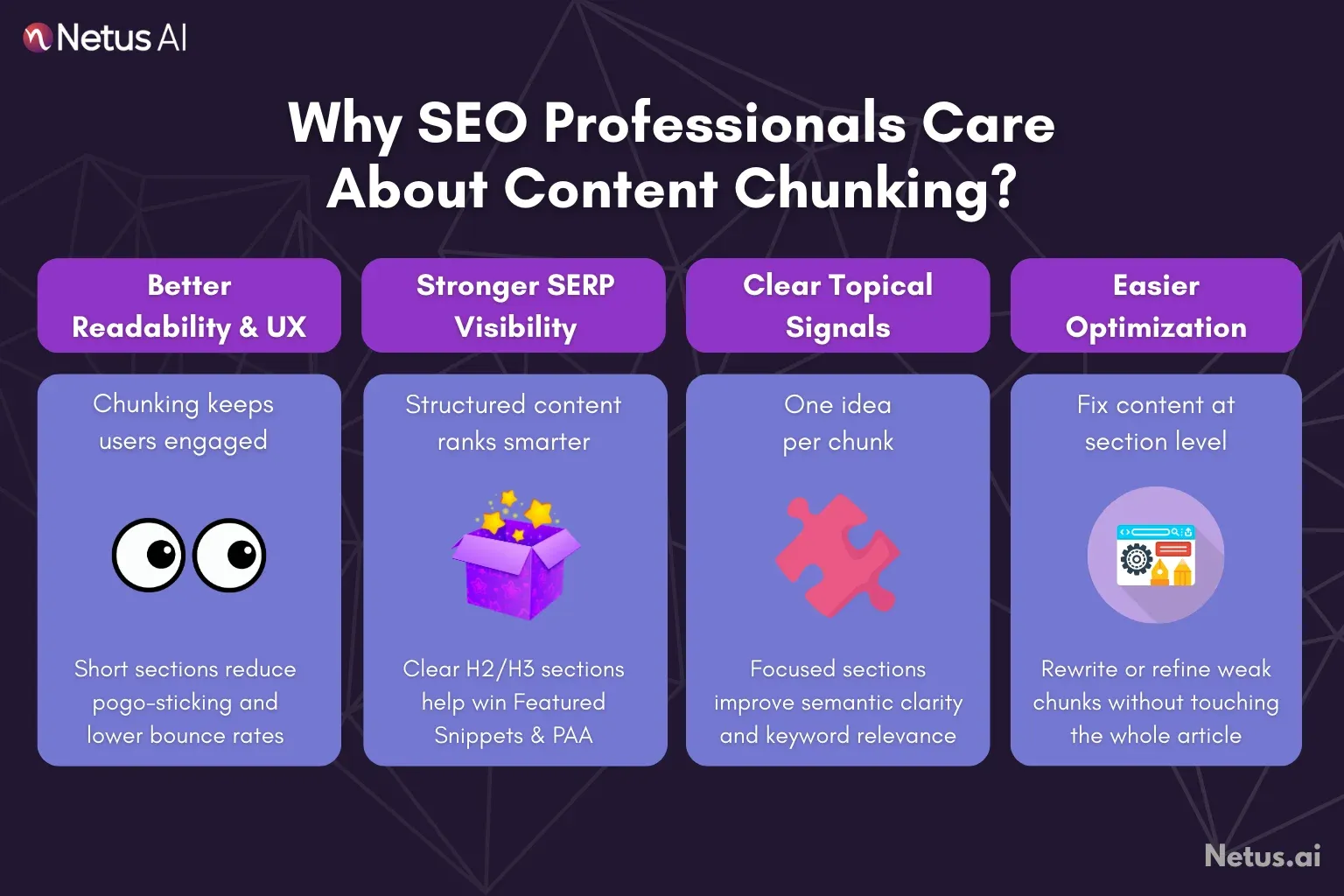
Content chunking is more than just about how something looks; chunking is an important SEO rule that affects some main factors for your ranking and user experience:
Readability and user experience (UX)
Big blocks of writing scare people sometimes. When someone lands on a page, and all they see is this, they will most often want to click away soon; this is called pogo-sticking, which is a very bad signal for websites. Instead, chunking uses headings, small paragraphs, and images to create more white space and show the reader which way to look.
Practical Point: If you make things easier to read, your bounce rate gets lower, and your visitor spends more time on the page; both are important for SEO performance.
Featured snippets and SERP visibility
Google wants a clear organization. So, when you use headings (like H2 or maybe H3) that describe different sections, you are almost preparing answers for Featured Snippets or People Also Ask spots. A chunked Q&A is one good example, as Google then finds answers really easily.
Semantic clarity and keyword targeting
You should aim for each chunk to stay on one main subject or long-tail keyword. That helps Google to learn what the full idea of your page is, so you are not only matching a word but also showing strong authority about the topic.
Checking and making content better
If your chunk becomes too big or is all over the place, maybe you are mixing too many different topics. Try using a paraphrase tool instead to rewrite old or unclear sentences to make them easier and better, so every chunk sticks to its main point.
How can you do content chunking properly?
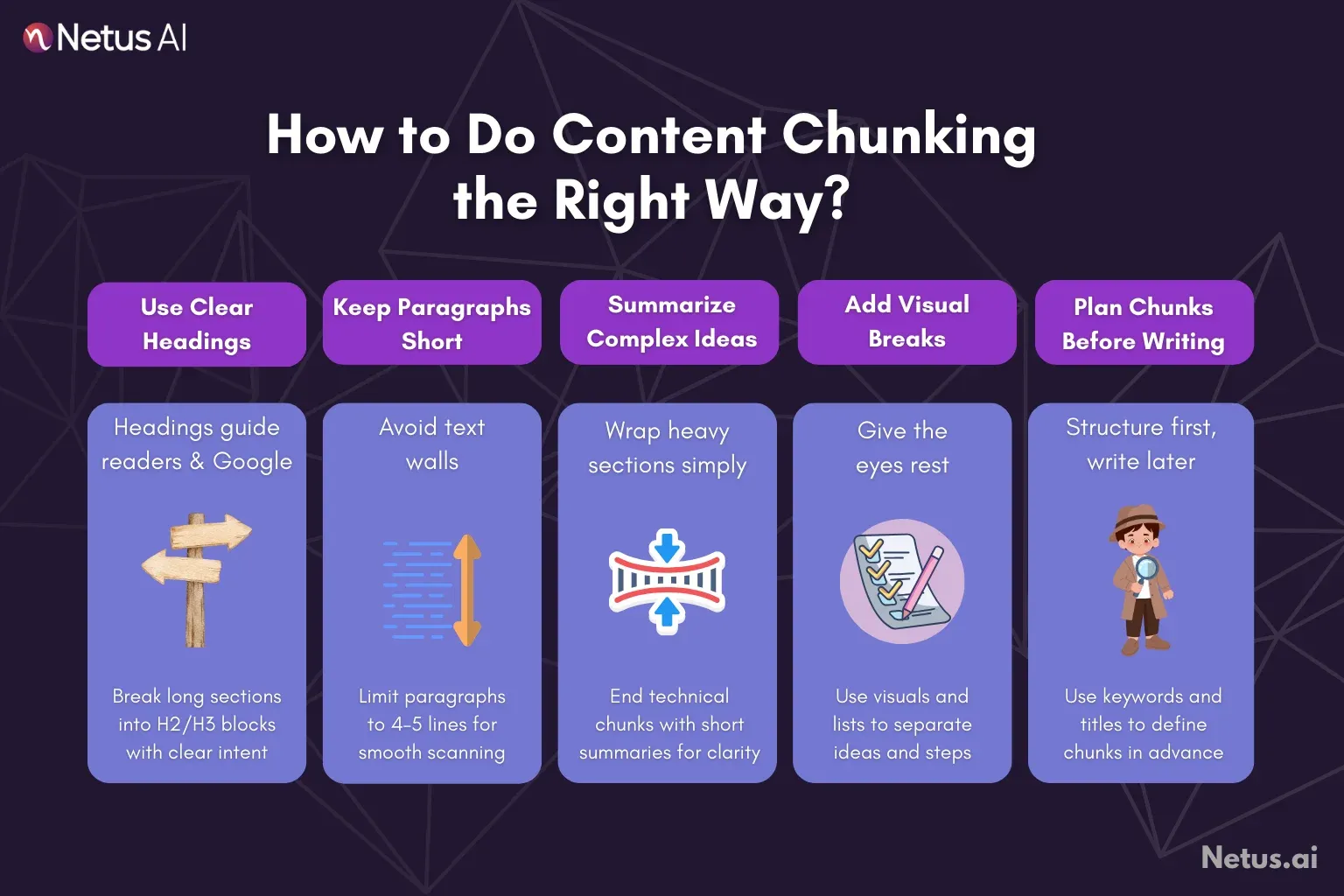
Content chunking is done by following a plan when you write and change content.
Use clear headings and subheadings
Headings work as directions for your content. They must tell both the reader and search engines what comes next. Add them often, and if you have a very long section, do not be scared to break it into many named spots.
Try using shorter paragraphs
Online, most paragraphs should stay under four to five lines. This allows reading to go smoothly and prevents a giant ‘wall of text’ from scaring readers away.
Put complex ideas into summaries
When you have some heavy technical information in a section, end with a short wrap-up. Tools can help here. After writing a big chunk, you could put it in an AI summarizer to get a fast, brief last paragraph that reminds people of the main idea before going further. This makes remembering things easier.
Add visuals and some lists
Pictures, diagrams, videos, and other visuals give breaks to your page and help chunk information. For steps or groups of points, numbered or bulleted lists are useful.
Check and make your main message clearer
Every page must start with a strong promise. If your article looks messy or off track, it may be good to use a type of SEO article generator or a Title Generator, not always to write the whole thing, but to help you set a better plan around your keyword. A strong plan is the basis of good chunking.
AI and how it makes chunked content simpler
Today, speed is very important online. If you want very structured, well-chunked articles, this is not a fast job, but using smart AI tools can save a lot of time and get the quality right.
When someone needs to create lots of pages, AI tools are useful for making sure your content always has the correct start. For example, a Keyword Extractor tool tells you all the topics you should cover. The list you get then becomes your H2 and H3 headings; that’s the actual heart of your chunks.
Also, as AI content becomes normal, your site must have info that is really useful and made for people. If you use AI to make content drafts, run it with an AI bypasser to check the words and the chunked structure, so you know it is readable and not copied, which both people and search robots want in good chunked material.
Last, after you do this, always check its truth with an AI Detector before you publish it so you look trustworthy.
NetusAI: The platform for superior structure in content
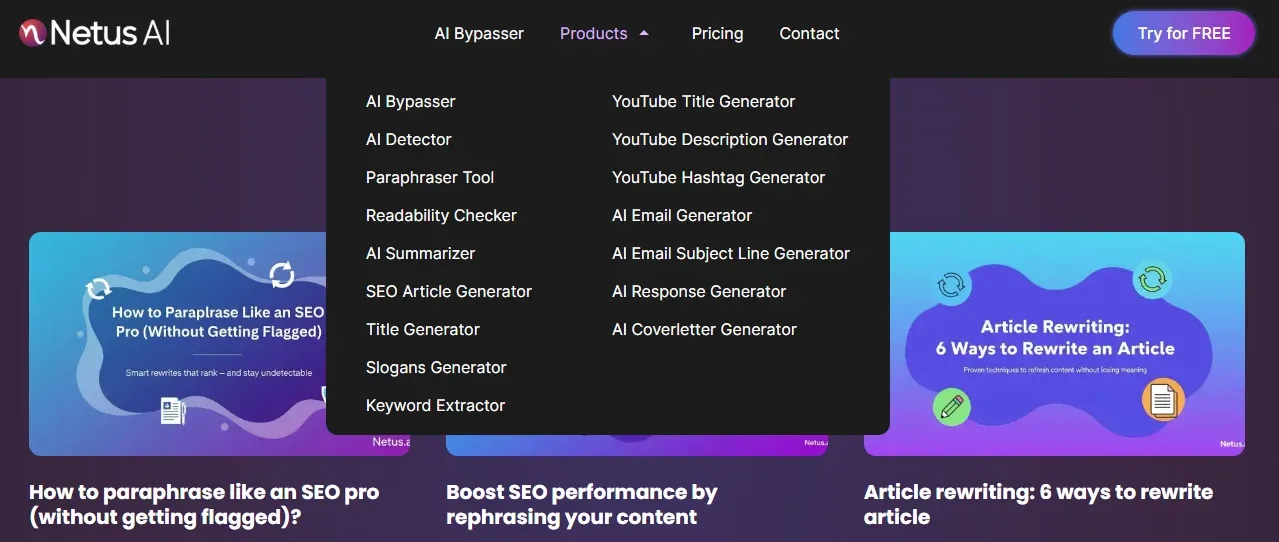
By using several tools offered by NetusAI, content workers can create an efficient workflow for chunking. Rather than using many different apps that do not connect to each other well, NetusAI provides a set of integrated tools.
Users are able to research keywords, make an outline with structure, write drafts, paraphrase sentences to improve clarity, check if content is original, and summarize long ideas or sections, all without needing to leave one website. This all-in-one approach greatly reduces friction in content creation, making it easier to produce regularly structured, search engine-optimized, and reader-pleasing articles. All of this leads to greater organic visits.
Conclusion
When you do content chunking, it is actually much more than only pressing enter several times. It is a method for organizing information, helping with user engagement, and presenting a clear structure for search engines.
If you pay attention to splitting your information into easy-to-understand pieces, you make your writing easier for people to read and for search engines to understand, so you get better results with SEO.
FAQs
How much length does a content chunk need?
There is not one real rule, but one general way to do it is by making sure the chunk under a heading is not too long for someone to forget the point. Try to keep each one around 250 to even 400 words in a big chunk (like an H2-type section), and keep paragraphs small at maybe 3 to 5 lines.
Is there a direct change in Google rankings from chunking?
Even though chunking does not count as a specific ranking factor for Google, it affects various elements that Google uses, such as the time people stay on a page, how quickly people leave, reading level, and how Google selects content for Featured Snippets. Therefore, it has a significant and positive impact on your placement.
Should H3 and H4 headings help with chunking?
For sure. H3s are for breaking up H2s, and for splitting up the H3, you should use H4s. This kind of order is needed both for readers who use screen readers and for search bots that look deeply at topics. It keeps your content in order with levels.
Is the chunking of content the same as whitespace?
Not really. White space is how you see the result of chunking, but chunking itself is about how you group ideas and add headings or bullet points. White space is the space around these chunks, and it helps you scan through quickly.
Any quick method to find out if my content is chunked properly?
You just print out what you wrote and look at it very fast, like for five seconds. If your eyes see headings that tell what is coming and you are not feeling heavy with nonstop text, then your chunking is probably okay. Using a paraphrase tool as well can help you cut down long or wordy sections very quickly.